
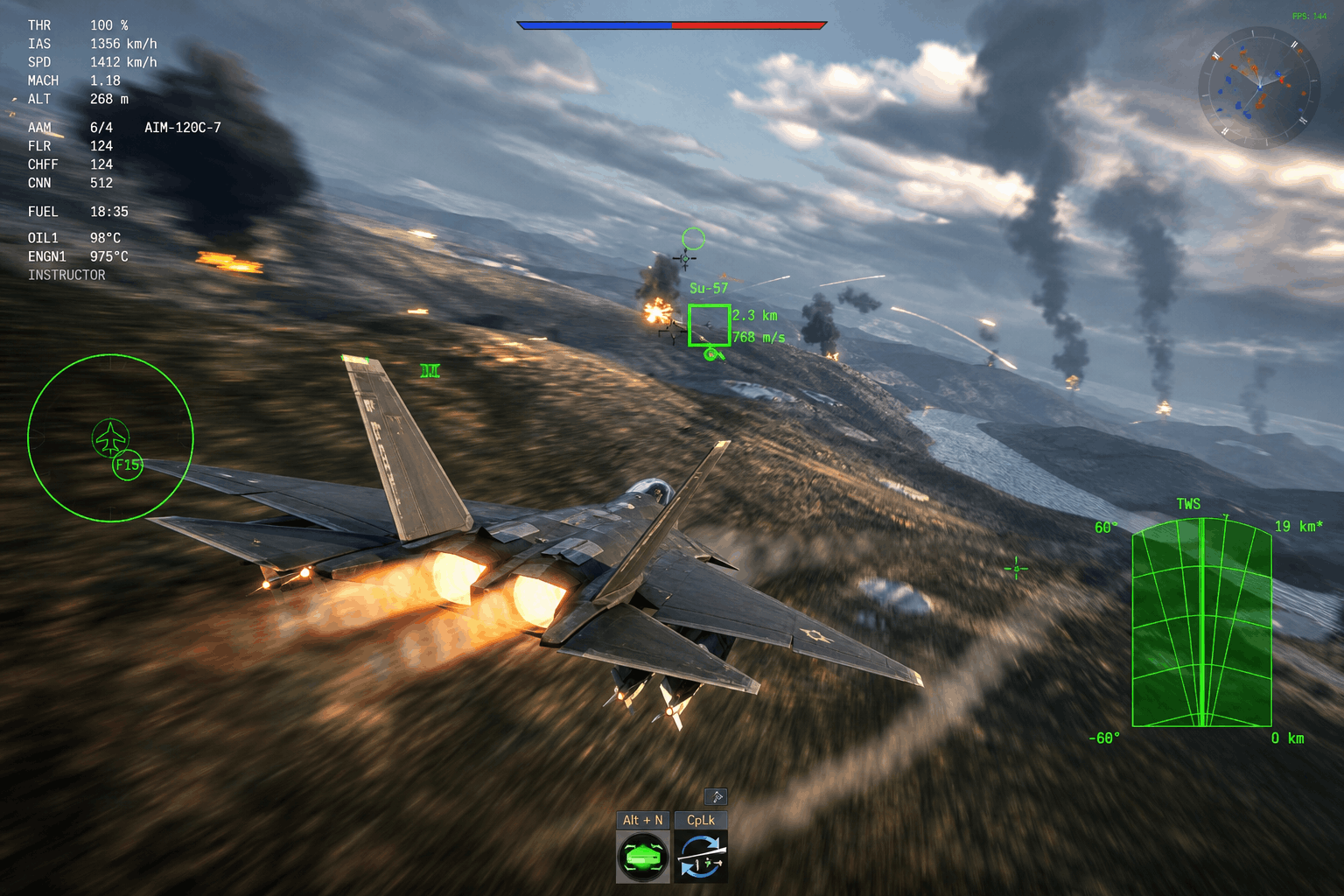
Elite Marshal Insights
Currently, I play over 30 matches a day and simply cannot tolerate 150ms ping or 5% Packet Loss (PL). Furthermore, as a player ranked #594 in the world with the God of War title, I can confirm that technical optimization is why I stay on top. Therefore, this is the definitive War Thunder Ping Fix you need to secure your own leaderboard spot.
The Millisecond War: Why Top-Tier is Different
Modern top-tier gameplay revolves entirely around sensors and split-second tactical decisions. For example, when you fly at Mach 1.8, a 100ms delay means your aircraft is nearly 60 meters away from its perceived position. Similarly, in a T-80BVM, that latency determines if your 3BM60 dart hits a Leopard’s ammo rack or disappears into a volumetric black hole. Because the server thinks the enemy moved, your perfect shot becomes a “ghost shell.”
Real-World Data: ISP vs. Gaming VPS Performance
Below is a detailed breakdown of performance metrics observed during high-traffic weekend hours. Notably, these numbers reflect the superior stability of a Tier-1 backbone compared to standard residential routing.
| Metric | Standard Residential ISP | Dedicated Gaming VPS |
|---|---|---|
| Average Ping | 85ms – 130ms | 35ms – 45ms |
| Packet Loss % | 1.5% – 5.0% | < 0.1% |
| Jitter (Stability) | High (Spiky) | Ultra-Low (Flat) |
How ISP Routing Sabotages Your Gameplay
While you may have “Gigabit Fiber,” bandwidth is actually secondary to latency. In fact, your ISP cares more about cost-effective Routing Nodes than your gaming experience. Consequently, residential traffic often passes through dozens of congested public exchanges. Each “hop” adds jitter and potential Packet Loss, which ultimately ruins your combat efficiency.
The AESA Radar Connection Stability Factor
With the 2026 introduction of AESA radar mechanics, synchronization requirements have reached a new peak. For instance, Pulse-Doppler tracking now requires a high-frequency handshake between your client and the server. If your connection stutters for just 20ms, your EF-2000 will likely lose lock in the notch. Thus, a dedicated VPS ensures your data stream remains thick and uninterrupted during high-G maneuvers.
Bypassing Congestion with a VPS Relay
By utilizing a Dedicated VPS as a private tunnel, you force your data to take the most efficient path. This allows you to essentially skip the “rush hour traffic” of the public internet. Furthermore, you gain a massive advantage over opponents who are still fighting through standard ISP congestion.
Proven Results: Reaching #594 in the World
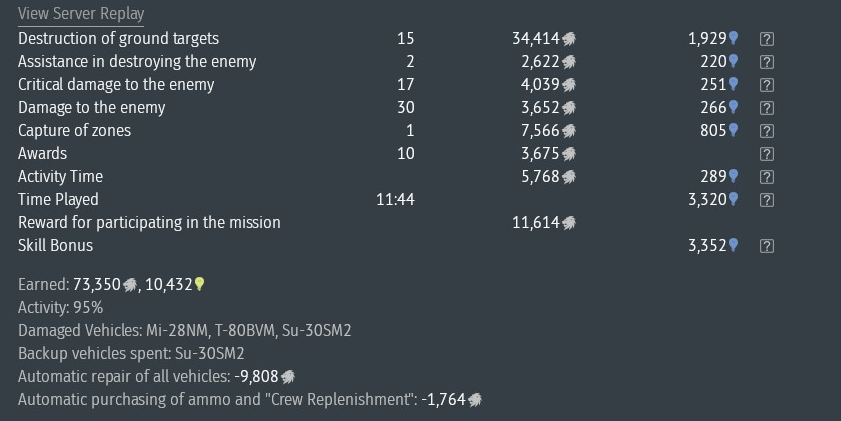
Notably, I didn’t reach the top of the leaderboard through luck alone. I succeeded because I optimized my connection. By turning a 120ms mess into a 40ms competitive advantage, I consistently hit 15-kill matches on maps like 38th Parallel. Therefore, if you want to carry your squad, you must fix your network first.
Step-by-Step Setup: Your War Thunder Ping Fix
For this setup, we will use WireGuard. Because it is the fastest, most lightweight protocol for gaming, it remains superior to OpenVPN. You can verify this by checking WireGuard’s performance benchmarks for yourself.
1. Deploy Your Optimized VPS
First, choose a VPS location closest to the game server (Frankfurt for EU). Afterward, deploy an Ubuntu 22.04 instance. Remember to check your GratisVPS dashboard for gaming-specific nodes.
2. Run the Installation
Once your server is live, run the following command in your terminal:
sudo apt update && sudo apt install wireguard -y3. Generate Your Client Config
Next, use an auto-installer script like WireGuard-install. This tool automatically handles Routing Nodes and firewall settings, saving you significant time.
4. Connect and Play
Finally, import your .conf file into the WireGuard Windows client. Immediately, you will be playing on a data-center grade backbone with significantly lower latency.
War Thunder Ping Fix FAQ (Elite Player Edition)
1. Will a VPS get me banned? No. Since you are only changing your network path and not the game files, it is 100% legal under Gaijin’s EULA.
2. Can I use a free VPN? No. Because free VPNs share bandwidth, they usually cause more lag and security issues.
3. How much ping reduction is possible? Most players see a 30% to 50% reduction if their ISP routing was previously poor.
4. Does this fix Packet Loss? Yes. By bypassing congested public nodes, you effectively eliminate packet drops.
5. Which VPS location is best for EU? Frankfurt is definitely the gold standard for European servers.
6. Does WireGuard affect FPS? No. WireGuard only impacts network latency and does not touch your GPU performance.
7. Is the setup difficult? Actually, with an auto-installer, the process takes less than five minutes.
8. Can I use this on console? Yes, but you must install WireGuard on your router instead of your PC.
9. Does this help radar locks? Absolutely. Stable ping prevents desync, ensuring your AESA locks remain firm.
10. Does a VPS speed up game updates? Usually not. It is specifically optimized for low latency rather than raw download speed.
11. What exactly is Jitter? Jitter represents ping variance. Fortunately, a VPS keeps this near 0ms.
12. Why not just use low graphics? Graphics settings fix FPS, whereas a VPS specifically fixes network ping.
13. Is Ubuntu the best OS? Yes, because it is the most stable environment for WireGuard deployments.
14. Can I host other apps on the VPS? Yes, however, you should keep it light to avoid gaming traffic interference.
15. How much RAM is required? Surprisingly, 512MB to 1GB is more than enough for a WireGuard tunnel.
16. Why is my ping still high? You likely selected a VPS location too far from the game server.
17. Does Gaijin use London servers? No. War Thunder primarily utilizes Frankfurt as the central EU hub.
18. How do I see my ping in-game? Simply look at the bottom-left corner during any active match.
19. Why choose WireGuard over OpenVPN? Because WireGuard is faster, more modern, and highly optimized for low-latency tasks.
20. Can squadmates share my VPS? While possible, having a dedicated one ensures the lowest possible latency for you.
Conclusion: Stop Losing to Lag
Ultimately, a War Thunder Ping Fix via a dedicated tunnel is the most effective hardware upgrade you can make. It is cheaper than a new GPU and far more impactful for top-tier play.
Optimize your route, lock your AESA radar, and dominate like a world-ranked Marshal.