
War Thunder FPS Boost 2026: Low-Level Optimization for AESA Radar & High-Tier Dogfights
Strategic Guide by a World-Ranked Marshal
That is why players with expensive GPUs still complain about stuttering. The average FPS counter looks strong, but the aircraft feels delayed when the fight gets dense. You crank the radar, switch modes, notch a missile, dump flares, pull into a defensive break, and suddenly your frame pacing falls apart. In top-tier air combat, that single micro-stutter is enough to lose a Fox-3 exchange.
🛡️ Elite Marshal Insights
I approach War Thunder performance like I approach PC hardware and server infrastructure: remove bottlenecks, control thermals, reduce latency, and keep the system predictable under sustained load. As a world-ranked Marshal, sitting around #594, I care less about flashy peak FPS and more about whether the system holds clean frame times after 30+ matches in a day. A serious grind is not a five-minute benchmark. It is heat soak, dust buildup, CPU bottlenecking, bad routing, memory pressure, and background processes exposing every weak point in your setup.
🔗 Crucial Optimization: Performance is end-to-end. If your hardware is tuned but your route is dirty, check my War Thunder VPS Ping Fix Guide.
The 2026 Meta Shift: AESA Radar Is Now a Performance Factor
The biggest mistake casual players make is treating radar-heavy gameplay as a visual-only problem. At low and mid tiers, War Thunder can feel mostly GPU-driven. At top tier, especially with modern radar systems, the load becomes more complex. AESA sensor polling, radar display updates, missile warning cues, RWR data, target tracking, and lock transitions all add to the simulation pressure that your CPU must handle while the GPU renders a fast-moving battlefield.
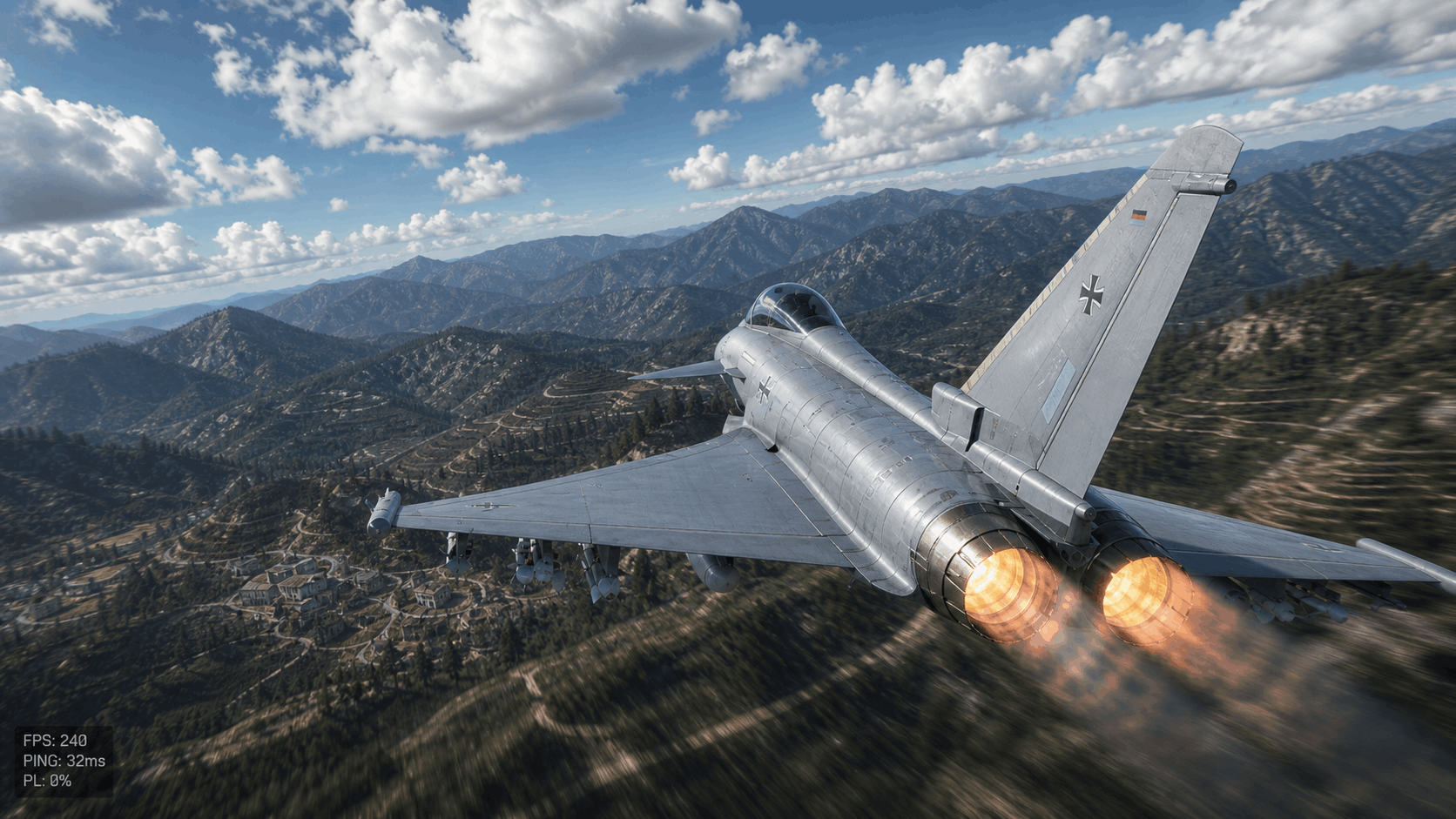
With the EF-2000 and other high-end jets, speed makes performance problems more visible. The terrain moves faster, contacts close quicker, missile windows are shorter, and defensive reactions must happen instantly. A 30 ms input delay, a single frame-time spike, or a short packet-loss burst can ruin your timing. In top-tier battles, smoothness is not cosmetic. Smoothness is radar discipline, missile timing, gun correction, and survival.
The CPU vs. GPU Battle: Why War Thunder Becomes CPU-Bound at Top Tier
War Thunder can launch on modest hardware, but “running the game” and “competing at top tier” are completely different standards. A high-end GPU will help with resolution, anti-aliasing, shadows, reflections, and high-quality terrain, but the CPU is often the part that decides whether your frame times stay flat during dense combat.
The CPU handles a large amount of simulation work: ballistics, damage calculation, flight model behavior, physics updates, radar state changes, missile logic, sound events, netcode handling, and draw-call preparation. When multiple jets are active, missiles are in the air, contrails are visible, and AESA radar modes are being switched aggressively, the main game thread can become the bottleneck.
If your GPU is sitting at 70 percent usage while the game stutters, you are probably not GPU-limited. You are likely CPU-bound, memory-latency-bound, thermally throttled, or being hit by background process interference. That is why some players upgrade from a mid-range GPU to a flagship card and still complain about stutter. They improved rendering power, but they did not fix frame pacing.
✅ THE GOOD — Marshal’s Standard
- Clean frame-time graphs & single-core focus
- Stable boost clocks & chipset updates
- Proper XMP/EXPO memory config
- Controlled background processes
❌ THE BAD — Casual Mistakes
- Chasing highest peak FPS numbers
- Ignoring 1% and 0.1% lows
- Running browser tabs/launchers in background
- Assuming the GPU is always the sole problem
GPU Control Panel Optimization: Lower the Render Queue, Kill Input Lag
The GPU still matters, especially at 1440p, ultrawide, and 4K. But the goal is not just visual quality. The goal is low latency and predictable rendering. A beautiful image is useless if your input arrives late during a high-G defensive break. War Thunder’s feel is heavily affected by render queue behavior, driver settings, sync settings, and the way your monitor handles refresh.
Nvidia Users: Create a dedicated profile. Set Low Latency Mode to Ultra. Set Power Management Mode to Prefer Maximum Performance. Disable in-game V-Sync. If you use G-Sync/FreeSync, cap your FPS slightly below your refresh rate (e.g., 141 FPS for 144Hz).
AMD Users: Radeon Anti-Lag is vital when GPU-bound. Change one setting, test, and measure. Avoid “gaming enhancement” stacks that create unknown variables.
Hardware Maintenance for Marshals: Stability Starts Before Windows Boots
A dirty PC is a performance liability. I have built, cleaned, repasted, and stabilized enough gaming machines to know that many “software problems” are actually thermal problems. Dust-packed heatsinks, old thermal paste, weak airflow, and poorly mounted coolers create inconsistent boost behavior. That inconsistency becomes micro-stutter when the machine is under sustained load.
War Thunder sessions are not always short. If you are grinding 30+ matches a day, your PC is dealing with heat soak. The first few matches may feel perfect. After two hours, internal case temperature rises, the GPU hotspot climbs, the CPU loses boost headroom, and the system starts to feel inconsistent. This is thermal throttling in practical terms.
Replace old CPU thermal paste if temperatures are high. Clean intake filters, radiator fins, GPU fans, and PSU filters. Hold fans still when using compressed air—never overspin them.
Secret config.blk Tweaks: Competitive Clarity Over Cinematic Noise
Target settings tied to cloud density, shadows, grass, particles, and object rendering. Clouds combine volumetric cost with visibility impact. Grass is irrelevant for jets but consumes resources at low altitude. Shadows and particles cause spikes during explosions and missile-heavy combat.
Why Local Hardware Needs a Clean Server Route
High FPS does not automatically mean a smooth game. This is where gaming performance and server infrastructure overlap. Your PC can deliver 240 FPS with perfect frame pacing, but if the network route to the game server is unstable, you will still feel delayed inputs, desync, and radar inconsistencies.
A clean local machine needs a clean route. This is the same logic behind a high-performance Gaming VPS or Dedicated Server. Whether you are running a VPS or optimizing a PC, the objective is predictable performance under load. Clean hardware, clean configuration, clean routing, and no unnecessary noise between the user and the endpoint.
Final Competitive Preset & Windows-Level Optimization
For EF-2000 gameplay, the preset is simple: low clouds, reduced shadows, minimal grass, controlled particles, and an FPS cap matched to your monitor. Keep the aircraft, missile trails, and HUD readable. Remove everything else.
Stop background noise. A competitive system should not be indexing files or syncing cloud folders during a match. Use an SSD—a nearly full drive is poor infrastructure. Keep the setup “boringly stable.”
Conclusion: Clean PC, Clean Route, Clean Kills
War Thunder FPS optimization in 2026 is about low-level discipline. The top-tier meta punishes unstable systems. Build the PC like a workstation. Maintain it like server hardware. Tune it like a competitive platform. Treat latency like infrastructure, not luck.