

The gaming world is holding its breath for 2026. With Hytale finally approaching its official launch, community leaders and server admins are scrambling to prepare. But there is a massive misconception circulating in the hosting community: that you need “Minecraft-grade” hardware to run a Hytale server.
If you are planning to buy a 32GB RAM hosting plan for Hytale, stop. You are likely wasting your money.
This comprehensive guide breaks down the architectural shift in Hytale’s engine, the specific VPS hardware you actually need in 2026, and why self-hosting on Linux is the only way to get true performance.
The Engine Shift: Java vs. C++
To understand your hosting needs, you first need to understand the software. Minecraft (Java Edition) was built on Java, a language notorious for memory management issues and “Garbage Collection” lag spikes. This is why Minecraft servers require bigger amounts of RAM.
Hytale is different. It is built on a custom, proprietary engine written in C++.

Why This Matters for Your Wallet
C++ is a lower-level language that communicates more directly with hardware. It is significantly more efficient than Java.
- Memory Efficiency: Hytale will not devour RAM like a modded Minecraft server. It manages resources tightly.
- Multi-Threading: While Minecraft relies heavily on single-core performance, Hytale’s engine is designed to utilize multiple CPU cores more effectively.
The takeaway: In 2026, you don’t need a “High RAM” server. You need a “High Performance Compute” server.
2026 Hardware Requirements: The Real Numbers
Based on the C++ architecture and data from similar high-fidelity sandbox titles, here are the realistic VPS specifications you should target for launch day.
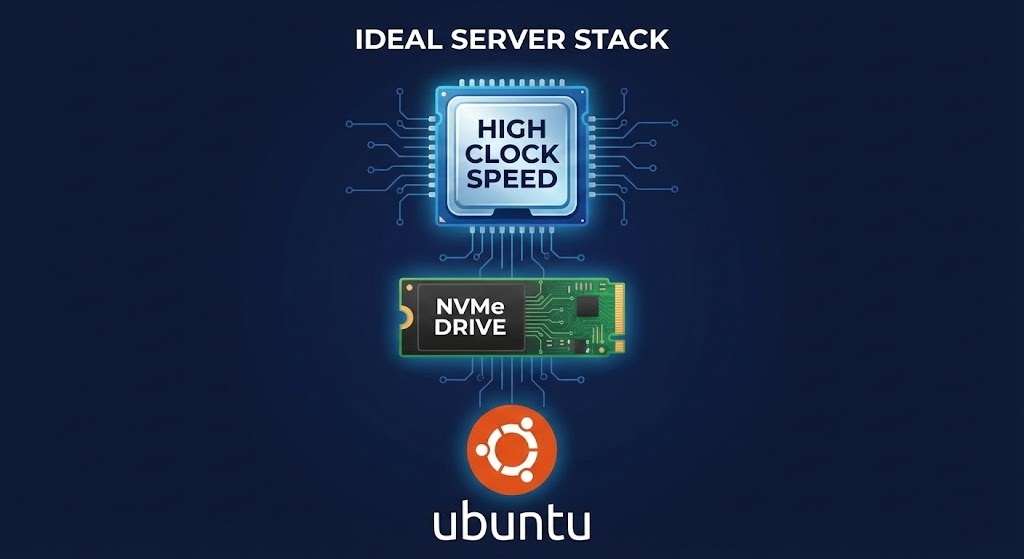
1. The CPU (The Most Critical Component)
For Hytale, the processor is king. Because the world generation (“Orbis”) involves complex verticality and prefab rendering, the CPU does the heavy lifting.
- Avoid: Old Intel Xeons (E5-26xx v2/v3). These are cheap but have slow single-core speeds.
- Target: Modern “High Frequency” processors. Look for AMD Ryzen 9 (5950X or 7950X) or Intel Core i9 instances. You want a clock speed of 3.5 GHz or higher.
2. RAM (Memory)
Do not overspend here.
- Small Servers (1-10 Players): 4GB DDR4/DDR5 is likely sufficient.
- Medium Communities (25-50 Players): 8GB to 12GB is the sweet spot.
- Massive Networks: Start with 16GB and only scale up if monitoring tools show bottlenecks.
3. Storage (The Hidden Bottleneck)
This is non-negotiable. Hytale worlds are dense. Loading chunks from a spinning Hard Disk Drive (HDD) or a cheap SATA SSD will cause “rubber-banding” for your players.
- Requirement: NVMe SSD.
- Capacity: 50GB minimum. As your players explore, the world file size will grow rapidly.
4. Bandwidth
Hytale is expected to use a heavier tick rate than Minecraft.
- Recommendation: Ensure your VPS provider offers at least 1Gbps Uplink. 100Mbps connections will struggle if more than 10 players join at once.
Hytale Hosting Comparison Table
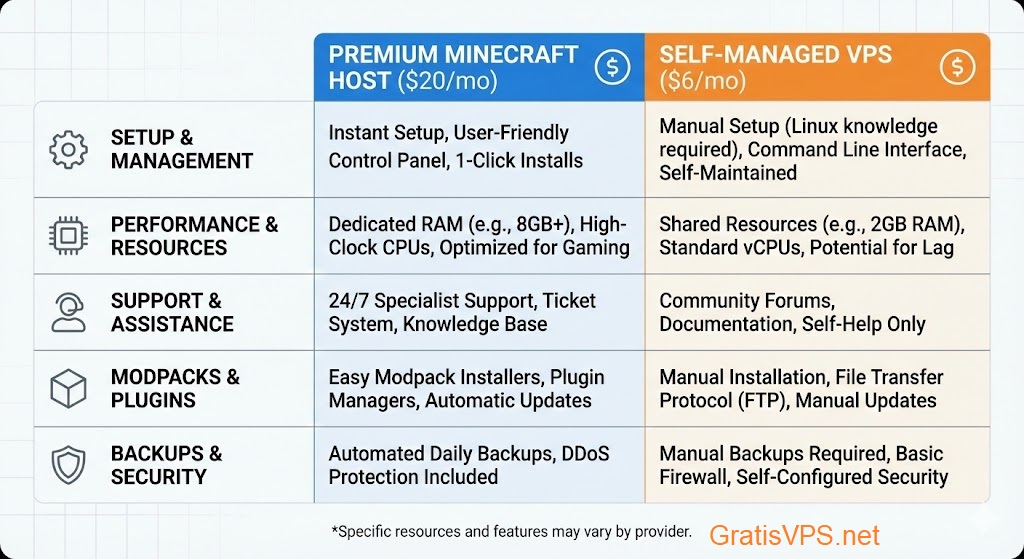
| Feature | Managed Hosting (“Game Hosts”) | Self-Hosted VPS (Our Pick) |
|---|---|---|
| Average Cost | $15 – $25 / month | $5 – $10 / month |
| Control | Limited Panel (Multicraft/Pterodactyl) | Full Root Access (SSH) |
| Scalability | Fixed Slots / Locked Resources | Instant Vertical Scaling |
| Modding | Panel Dependent (Wait for updates) | Instant (Upload any file) |
| Dedicated IP | Often Extra $$$ | Included Free |
Choosing the Right Operating System
When you deploy your VPS, you will be asked to choose an OS. Since you are self-hosting, you want an OS that is lightweight and stable.
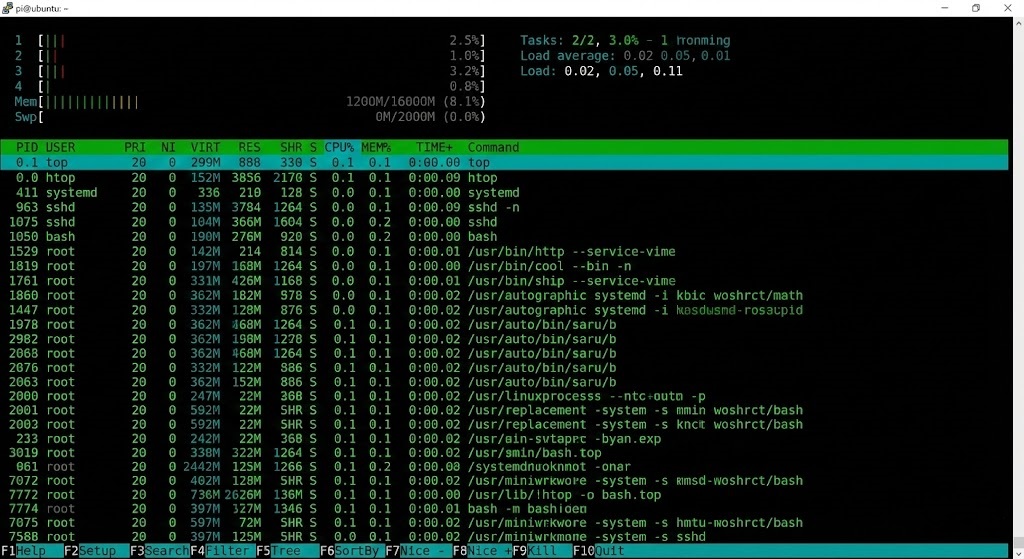
- Top Pick: Ubuntu 24.04 LTS. It is the industry standard. Most Hytale documentation and community scripts will be written for Ubuntu first.
- Runner Up: Debian 12. Slightly more lightweight than Ubuntu, using less background RAM, but slightly less “beginner-friendly.”
- Avoid: Windows Server. Windows consumes 2GB+ of RAM just to run the desktop. On a Linux VPS, the OS uses less than 500MB, leaving the rest for your game.
Security: Protecting Your Hytale Server
Hytale Server Hosting will be a massive target for DDoS attacks and exploits upon release. A generic game host offers “basic” protection, but on a VPS, you can build a fortress.
1. Configure UFW (Uncomplicated Firewall)
Don’t leave all ports open. Only open what you need.
- Open SSH (Port 22) – Change this if possible!
- Open Hytale Game Port (Default likely UDP)
- Deny everything else.
2. Disable Root Login
Never run your server as the “root” user. Create a specific user (e.g., hytale_user) with limited permissions. This prevents a hacker from taking over your entire machine if an exploit is found in the game files.
3. Automated Backups
On a VPS, you can write simple cron jobs (scheduled tasks) to zip your world folder and send it to an external storage (like AWS S3 or Backblaze) every 6 hours. Managed hosts often charge extra for this; on a VPS, it is free.
Conclusion: Don’t Wait Until Launch Day
The “First Mover Advantage” in server hosting is real. The servers that are online and stable on Day 1 are the ones that build loyal communities.
By choosing a high-performance VPS now, setting up your Linux environment, and securing your network, you are doing 90% of the work before the game even releases. When the Hytale server files drop in 2026, you won’t be scrambling to buy hosting—you’ll just type ./start_server and welcome your players.
Read More Articles: Top Trending Online Game Server, Top 5 Free VPS Providers in 2025 (No Card Needed)