

In 2026, the most cost-effective way to run powerful AI is the Bring Your Own Key (BYOK) model. While platforms charge heavy markups for “AI Subscriptions,” savvy users are obtaining direct API keys from providers like OpenAI, Google Gemini, and Anthropic. The challenge? These keys need a 24/7 environment to execute tasks. This guide shows you how to turn a Free RDP Windows instance into a permanent, private AI server.
What is a BYOK AI Server?
A BYOK AI Server is a self-hosted environment where you provide the “Intelligence” (via your API keys) and the “Infrastructure” (via Free RDP Hosting). This setup allows you to run autonomous agents like AutoGPT or CrewAI around the clock without keeping your personal laptop running. By using the free tiers of global giants, you ensure your AI operations cost exactly $0 for hosting.
Top 5 AI Tools to Host on Free RDP Windows
| Software | Function | Required API Key | Difficulty |
|---|---|---|---|
| Open-WebUI | Private ChatGPT Clone | OpenAI / Ollama | Easy |
| AutoGPT | Autonomous Task Agent | OpenAI (GPT-4o) | Medium |
| CrewAI | Multi-Agent Workflows | Anthropic / Google | Medium |
| n8n | Visual AI Automation | Any OpenAI-compatible | Low-Code |
| Everything-SDK | Desktop Automation AI | Gemini 2.0+ | High |
Step-by-Step: Deploying your AI Server
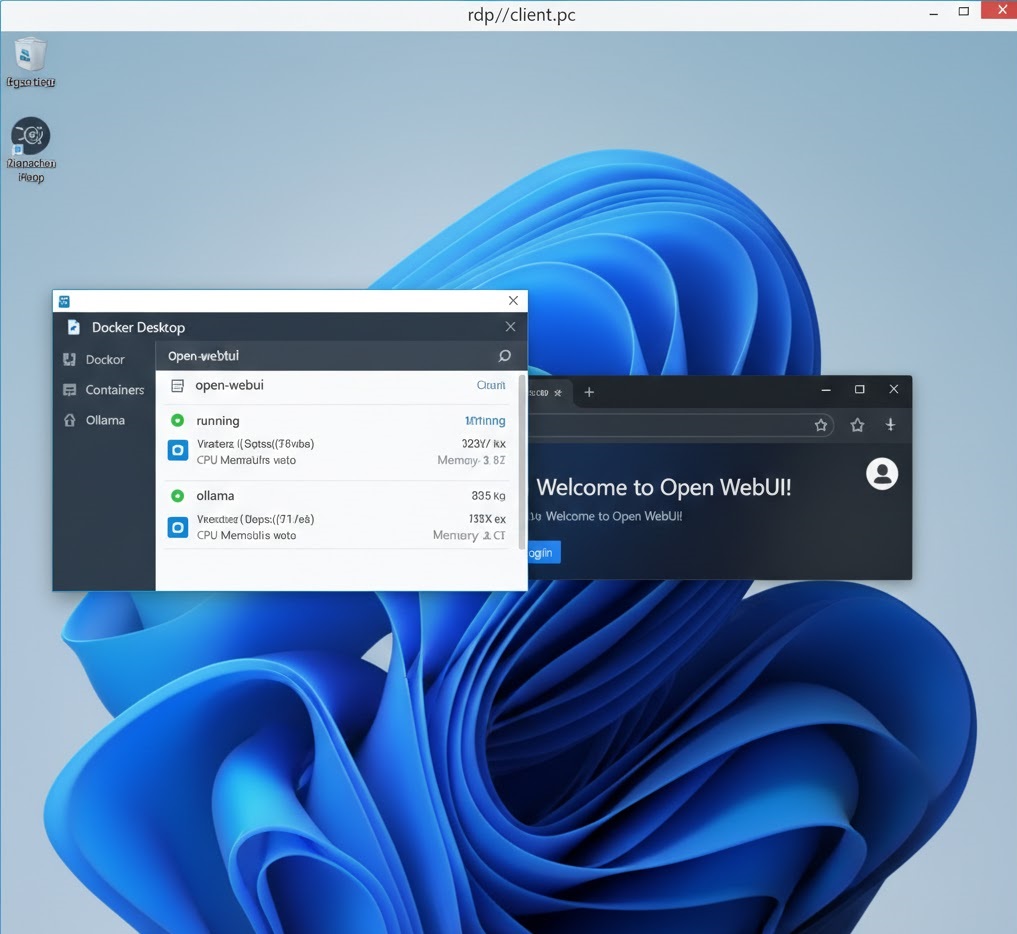
To start, connect to your free rdp windows session from Free RDP Server. We will use Docker Desktop as it is the most stable way to run 2026 AI agents.
1. Install Docker Desktop
Download and install Docker Desktop on your free rdp server. Note: Ensure you have enabled “Virtual Machine Platform” in Windows Features before installation.
2. Configure your API Keys (The BYOK Part)
Create a .env file in your project folder. This is where you will securely store your keys. For example:
OPENAI_API_KEY=sk-xxxx...
GROQ_API_KEY=gsk-xxxx...
3. Run the Agent
In PowerShell, run the deployment command for your chosen tool. For Open-WebUI, use:
docker run -d -p 3000:8080 --add-host=host.docker.internal:host-gateway -v open-webui:/app/backend/data --name open-webui ghcr.io/open-webui/open-webui:main
Why Experience is Better on a Dedicated VPS
Hosting your AI on a professional Free RDP Hosting tier provides several advantages over a home PC:
- Uninterrupted Execution: Agents like AutoGPT can take hours to complete complex research tasks. A VPS won’t go to sleep or reboot for updates in the middle of a job.
- Isolated Environment: AI agents that have “Terminal Access” are safer to run in a cloud-based free rdp windows sandbox than on your primary machine.
- Fixed IP: Easier to set up “Webhooks” so your AI agent can talk to other web services (like Slack or Discord).
Troubleshooting: API Timeouts & Connection Drops
If your AI agent is failing to connect to the API, follow this checklist:
- Billing Status: Ensure your BYOK provider (OpenAI/Anthropic) has a positive balance. “Free” API keys often have strict rate limits.
- DNS Settings: Some free rdp server providers have restricted DNS. Switch to Cloudflare (1.1.1.1) to ensure the AI can reach external APIs.
- RAM Limits: If Docker crashes, increase the RAM limit in Docker Desktop settings to at least 4GB.
Frequently Asked Questions
Is it legal to use these free servers for AI?
Yes, cloud providers offer these tiers specifically for developers to build and test applications like AI agents.
Can I use a local LLM instead of an API key?
Yes! You can run Ollama alongside your agents on your free rdp windows server to make the setup 100% free (No API costs).
Conclusion
The BYOK AI Server is the ultimate productivity hack for 2026. By offloading your AI agents to a Free RDP Windows instance, you gain a 24/7 worker that never tires. Start building your autonomous future today by choosing a provider from our vetted lists. For more on the future of autonomous agents, explore the OpenAI Research Blog.