

In 2026, the “Agentic Shift” has transformed how we use the cloud. Users are no longer just logging into a Free RDP Windows to browse; they are using it to host autonomous AI agents that work 24/7. Whether you are running Ollama for local LLMs or AutoGPT for task automation, leveraging a high-performance Free RDP Hosting environment allows you to build an AI powerhouse at zero cost.
Why Self-Host AI Agents on Free RDP?
While cloud AI APIs (like OpenAI) cost money per token, self-hosting on a Free RDP Server gives you unlimited “compute” for free. By utilizing the 12GB+ RAM tiers from giants like Oracle or the $300 credits from Google Cloud, you can run medium-sized models (8B-14B parameters) with high efficiency.
The 2026 AI Hosting Advantage:
- Data Privacy: Your data never leaves your free rdp windows instance.
- Zero Latency: Execute commands directly on a server with 1Gbps backbone speeds.
- Customization: Install specialized Python environments that restricted “AI-as-a-Service” platforms won’t allow.
Best Free RDP Providers for AI Tasks (Comparison)
| Provider | RAM Capacity | GPU Support | Setup Difficulty |
|---|---|---|---|
| Oracle Cloud | 24GB (A1 Instances) | None (CPU Only) | Medium |
| Google Cloud | Up to 32GB (Trial) | T4 GPU (Optional) | High |
| Azure Student | 4GB + Credits | Standard N-Series | Easy |
Step-by-Step: Setting Up Your AI Agent
Once you’ve secured your Free RDP Hosting from this list, follow these steps to turn it into an AI worker:
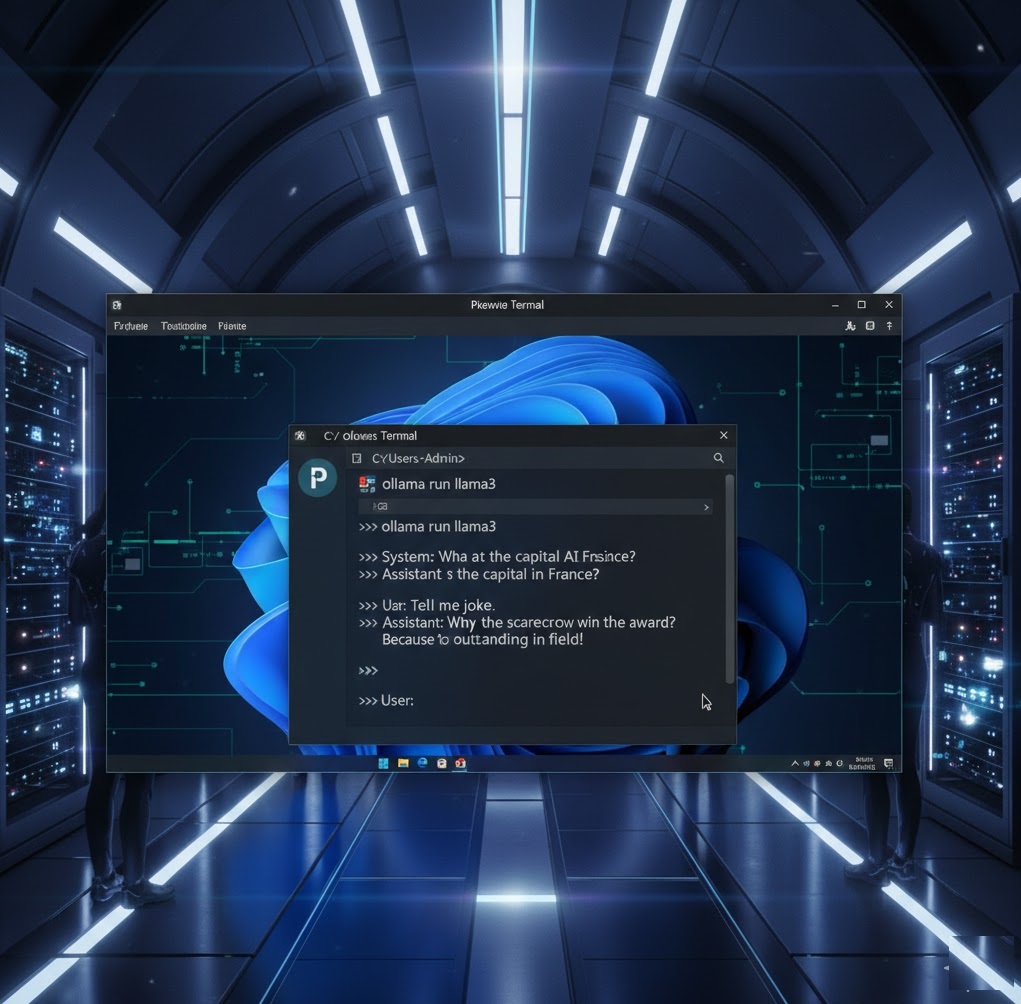
- Install Python 3.12+: Ensure you check “Add to PATH” during installation on your free rdp server.
- Deploy Ollama: The fastest way to run local LLMs. Download the Windows installer and run `ollama serve`.
- Set Up AutoGPT or CrewAI: Clone your preferred agent framework from GitHub and point it to your local Ollama API.
Optimizing Windows for AI Workloads
AI models are “heavy.” To ensure your free rdp windows doesn’t crash, apply these technical tweaks found on Free RDP Server:
- Increase Virtual Memory (Pagefile): Set your Pagefile to at least 1.5x your physical RAM.
- Disable Windows Defender Real-time Protection: (Only if using an isolated sandbox) This frees up CPU cycles for the AI model.
- Use Headless Mode: Run your agents in a background terminal to save GPU/RAM on UI rendering.
Frequently Asked Questions (FAQ)
Q: Can a free RDP run ChatGPT-style models?
A: Yes! It can run models like Llama 3 or Mistral which are comparable in reasoning for many tasks.
Q: Will my account get banned for high CPU usage?
A: Some providers (like Google) may throttle you. It is better to use “Burstable” instances like Azure’s B-series for AI tasks.
Conclusion
Hosting AI agents on a Free RDP Windows server is the ultimate hack for 2026. By shifting your compute needs to the cloud, you save money, protect your privacy, and build a scalable automation system. For more on AI infrastructure, check out the Ollama Model Library to see which LLMs your free server can handle.