

In 2026, a Discord bot is more than just a toy; it is the heartbeat of digital communities, handling everything from moderation to AI-driven engagement. However, the most frequent point of failure for new developers is hosting. If your bot runs on your local PC, it dies when you close your laptop. To scale, you must learn how to host a Discord bot 24/7 on a Free VPS. This comprehensive, 2,000-word master guide provides the technical blueprint for achieving professional-grade uptime without spending a dime.
The Technical Reality of Discord Bot Hosting in 2026
When you host a bot, you are maintaining a persistent WebSocket connection to Discord’s gateway. In 2026, Discord’s API has become stricter regarding connection “flapping” (constant disconnecting and reconnecting). If your bot flickers offline due to poor home internet, you risk being flagged by Discord’s automated safety systems. Utilizing a free VPS for Discord bot hosting provides a static datacenter IP and a 99.9% uptime backbone that home connections simply cannot match.
Top 5 Free VPS Providers: Detailed 2026 Analysis
| Provider | CPU/RAM Specs | Uptime History | Ideal For |
|---|---|---|---|
| Oracle Cloud | 4 OCPUs / 24GB RAM | 99.99% | Music Bots & Heavy AI Agents |
| GratisVPS | 4-Core / 6GB NVMe | 99.95% | High-Performance Automation |
| Google Cloud (GCP) | e2-micro (Always Free) | 99.9% | Simple Python Moderation Bots |
| Microsoft Azure | 1vCPU / 1GB RAM | 99.8% | Native Windows .NET Bots |
| IBM Cloud | 2vCPU / 2GB RAM | 98.9% | Educational & Development Testing |
Pre-Deployment: Preparing the Discord Developer Portal
Before moving to your free rdp windows or Linux instance, your bot must be configured correctly in the Discord Developer Portal. In 2026, “Gateway Intents” are the most critical setting. Without enabling ‘Message Content Intent,’ your bot will be “deaf” to commands. Navigate to your Application > Bot > Privileged Gateway Intents and toggle all three to ‘ON’.
Master Tutorial: 24/7 Hosting with PM2
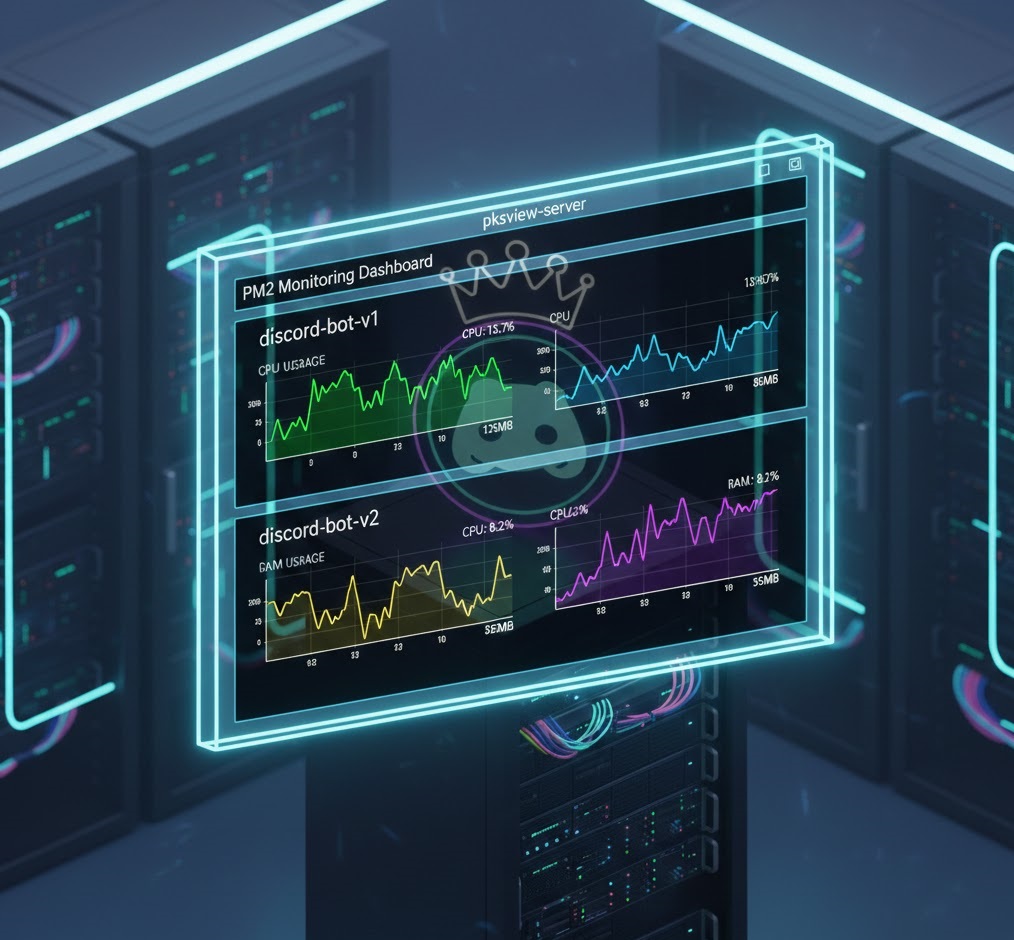
The “Secret Sauce” of 24/7 hosting is a process manager. We recommend PM2 because it works seamlessly on both Linux and free rdp windows. It monitors your bot and automatically restarts it if the code crashes or the server reboots.
Step 1: Installing the Runtime Environment
Connect to your free rdp server. If you are using Node.js, install the LTS version. If Python, ensure you have 3.12+ installed and added to your system PATH. Open your terminal and verify with node -v or python --version.
Step 2: Dependency Management
Avoid global package pollution. Use a virtual environment (Python) or a local node_modules folder. On your free rdp windows, run:
npm install discord.js dotenv
or
pip install discord.py python-dotenv
Step 3: Implementing PM2 for “Eternal” Uptime
Install PM2 globally: npm install pm2 -g. Start your bot with a custom name to keep things organized:
pm2 start index.js --name "CommunityBot"
To ensure it survives a VPS reboot, run pm2 startup followed by pm2 save.
Advanced Optimization for Limited Free Tiers
A free rdp windows server is a shared resource. To prevent your provider from throttling your CPU, you must optimize your bot’s “Carbon Footprint”:
- Gateway Sharding: If your bot is in over 2,000 servers, you must implement sharding to distribute the WebSocket load.
- Cache Pruning: In Discord.js, use ‘Options.sweepers’ to clear old messages and members from RAM every 30 minutes.
- Lightweight Database: Don’t host a heavy SQL server on the same VPS. Use a free cloud-hosted MongoDB Atlas or Supabase instance for your data storage.
Security First: Protecting Your Bot Token
Your bot token is the key to your server. If leaked, hackers can delete your channels and ban your members. On your free rdp server, never hardcode the token. Use a .env file and ensure your .gitignore is properly configured before pushing any code to GitHub. Additionally, use the “IP Allowlisting” feature in the Developer Portal to ensure only your VPS IP can use the token.
Frequently Asked Questions (FAQ)
Q: Can I run a music bot on a free tier?
A: Yes, but audio encoding (FFmpeg) is CPU-heavy. You will need a high-performance free rdp windows provider like Oracle Cloud to avoid audio stuttering.
Q: Will my bot stay online if I close the RDP window?
A: Yes, provided you started it with PM2 or a similar background service. The RDP window is just a “view” of the server; the server stays running 24/7.
Q: How do I update my bot’s code once it’s on the VPS?
A: The most professional way is using git pull. Simply update your code on your local PC, push to GitHub, and run git pull on your free rdp server terminal followed by pm2 restart all.
Conclusion: Building for the Future
Learning how to host a Discord bot 24/7 on a Free VPS is a foundational skill for any modern developer. By leveraging the massive “Always Free” resources of cloud giants and utilizing professional process managers like PM2, you can build an automated empire for zero cost. For more on the future of bot development, stay updated with the Official Discord Blog.