
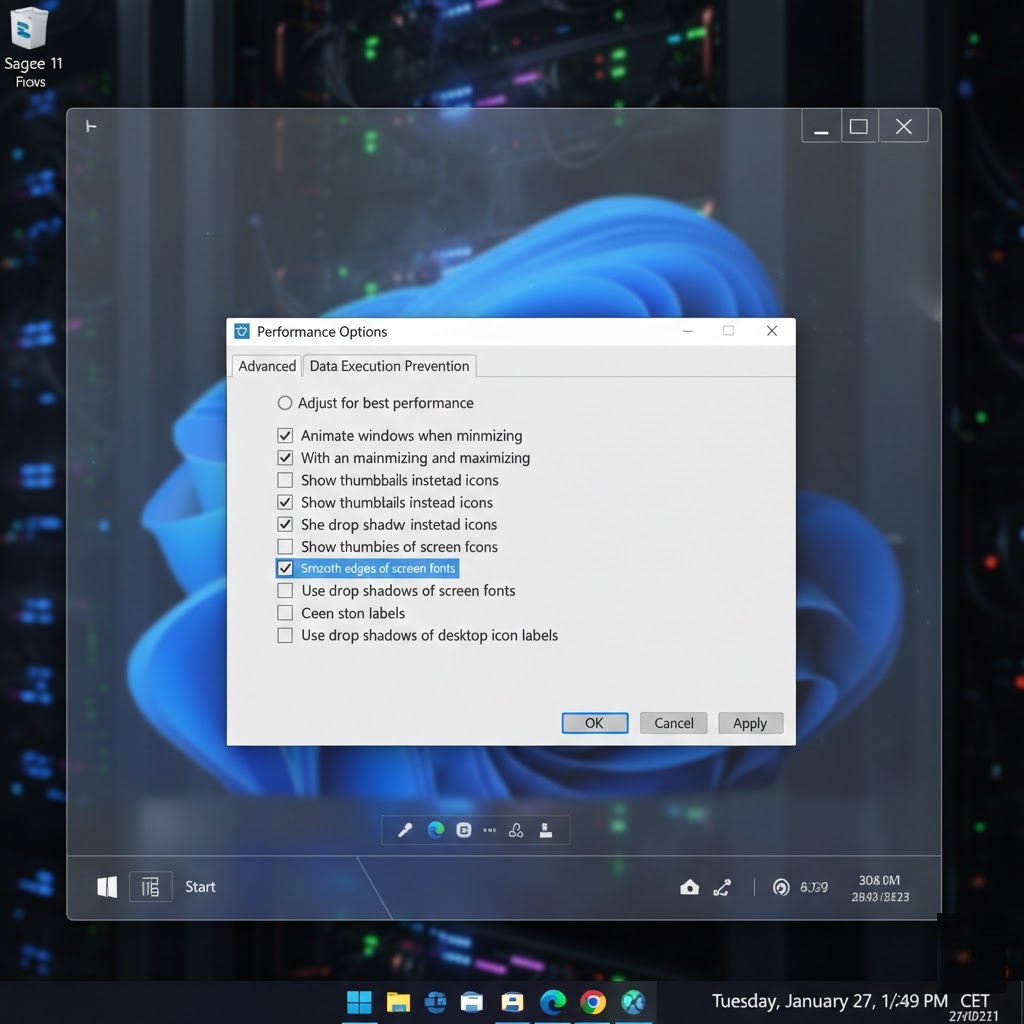
The demand for a high-performance Free RDP Windows environment has skyrocketed in 2026 as more professionals shift toward cloud-native workflows. Whether you are a developer testing the new features of Windows Server 2025 or an SEO specialist running resource-heavy automation, having a dedicated “Cloud PC” at zero cost is a strategic advantage. This guide provides a deep dive into securing and optimizing your Windows RDP for maximum speed.
Why Windows Server 2025 is the Best Choice for Free RDP
As we’ve documented across our infrastructure projects like Free RDP Hosting, the latest Windows iteration offers significant improvements in remote desktop performance. In 2026, Free RDP Windows users benefit from enhanced compression algorithms that reduce input lag even on standard 4G/5G connections.
Key Features of 2026 RDP Environments:
- Advanced Resource Allocation: Better CPU scheduling ensures your SEO tools don’t freeze the entire OS.
- Native WinGet Support: Install all your apps via command line instantly.
- DTrace Integration: Troubleshoot performance bottlenecks in real-time.
Where to Get a Working Free RDP Windows Instance
Avoid “free” sites that ask for your social media passwords. Instead, leverage the “Global Cloud Giants” who offer educational and trial resources for Free RDP Windows:
| Provider | Best Feature | Hardware Specs | Verification |
|---|---|---|---|
| Microsoft Azure | Best Stability | B1s (1vCPU, 1GB RAM) | Phone / .edu Email |
| Google Cloud | Fastest Network | e2-micro (Customizable) | $300 Trial Credit |
| Oracle Cloud | Highest RAM | Up to 24GB (ARM) | Credit Card Verify |
How to Optimize Your Free RDP for 100% Speed
A free rdp windows server is often resource-constrained. To make it feel as fast as a local PC, follow these “Pro” optimization steps we use at Free RDP Server:
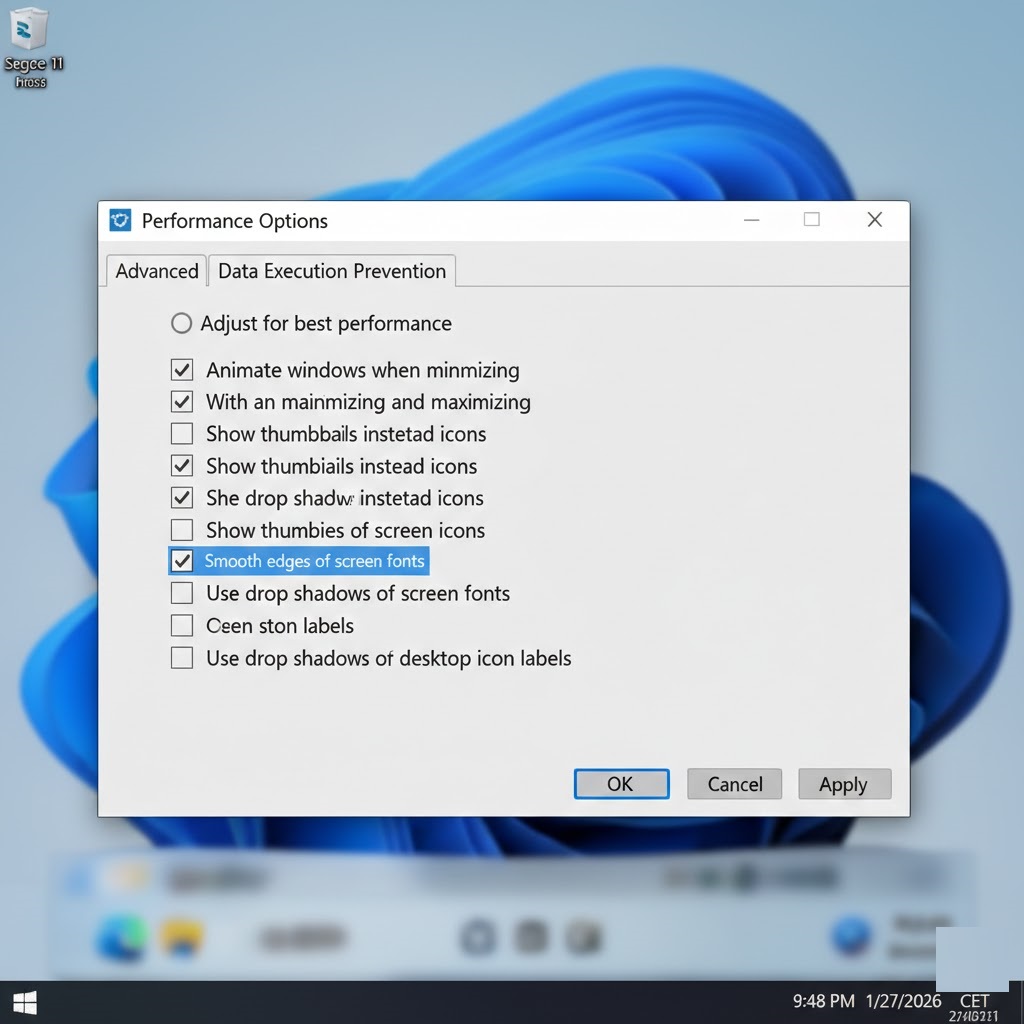
- Adjust Visual Effects: Right-click ‘This PC’ > Properties > Advanced System Settings > Performance. Select “Adjust for best performance.”
- Disable Background Apps: Use the `Settings > Privacy > Background Apps` menu to turn off everything you don’t need.
- Persistent Bitmap Caching: In your local RDP client, go to ‘Experience’ and ensure this is checked. It saves image data locally to reduce bandwidth usage.
Security Checklist: Hardening Your Remote Desktop
Exposing Free RDP Windows to the public internet is risky. Ensure your server is protected from 2026-era brute force attacks:
Expert Tip: Always enable Network Level Authentication (NLA). This forces users to authenticate before the full Windows session is even created, blocking 90% of automated bot attacks.
- Rename the Admin Account: Change ‘Administrator’ to a unique name.
- IP Allowlisting: Use the Windows Defender Firewall to allow connections ONLY from your specific home/office IP address.
- Custom Port: Change the RDP port from 3389 to something between 10000-60000.
Frequently Asked Questions
Can I use Free RDP Windows on my Mac or iPad?
Yes. Simply download the “Microsoft Remote Desktop” app from the App Store. The experience is identical to using it on a PC.
Will my data be deleted if the trial expires?
Yes, most cloud providers will delete the VM and its disk once the trial period ends. Always keep backups on a service like GitHub or Google Drive.
Conclusion
A Free RDP Windows server is more than just a freebie—it’s a powerful tool for scaling your digital presence. By leveraging the infrastructure of giants like Azure and Google, and applying the performance tweaks mentioned above, you can maintain a professional-grade cloud presence for $0. For deeper insights into Windows security protocols, refer to the NIST Cybersecurity Framework for server hardening best practices.
Ready to deploy? Get your Windows Cloud PC online in under 5 minutes!