

In 2026, Python has become the backbone of the “Automation Economy.” From Telegram and Discord bots to automated web scrapers and crypto trackers, the need for a reliable Free VPS for Python Bot hosting has never been higher. Running these scripts on your local laptop isn’t sustainable for 24/7 operations. This guide reveals the top-tier free servers that provide the uptime and Python-ready environments you need.
Top 5 Free VPS Providers for Python Bots (2026)
For a free VPS for Python bot, stability is more important than raw power. Based on our 2026 technical tests on Free RDP Hosting, these are the providers that won’t kill your script process after 10 minutes of inactivity:
| Provider | RAM Allocation | Ideal For | 24/7 Reliability |
|---|---|---|---|
| Oracle Cloud | 24GB ARM / 1GB AMD | Heavy Selenium/Scraping | 99.9% |
| Google Cloud | e2-micro instance | Discord/Telegram Bots | 99.5% |
| PythonAnywhere | 512MB (Shared) | Simple Scripts/APIs | 100% (Native) |
| IBM Cloud | 2GB RAM (Lite) | AI-powered Bots | 98.5% |
| GratisVPS | 6GB+ DDR5 | Windows-based Automation | 99.9% |
Step-by-Step: Hosting Your Python Bot 24/7
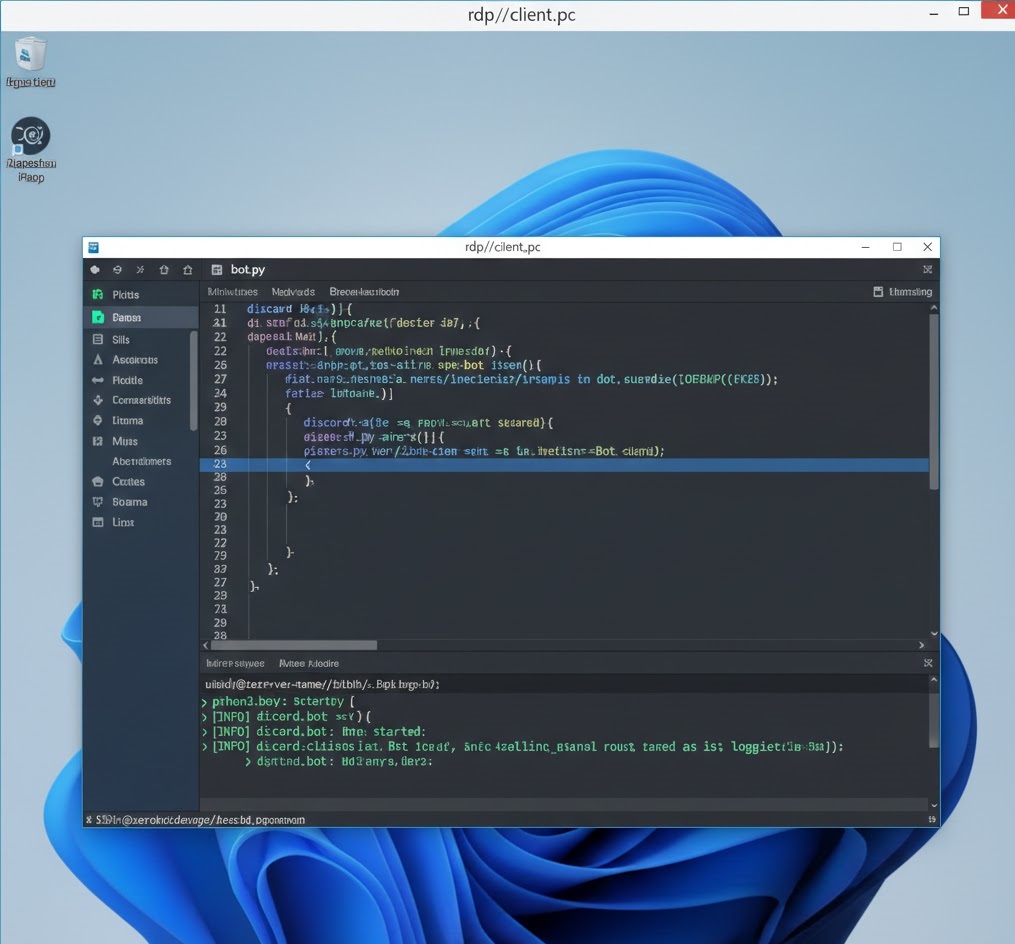
Whether you choose a Linux-based VPS or a free rdp windows session from Free RDP Server, the deployment process for 2026 remains straightforward.
1. Environment Setup
Once logged into your free rdp server, install the latest Python 3.x version. During installation, crucially check the box “Add Python to PATH” so you can run commands from the terminal easily.
2. Installing Dependencies
Upload your requirements.txt and run the following command in your server’s terminal:
pip install -r requirements.txt
3. Keeping the Bot Online (The “Eternal” Method)
On a free rdp windows, the easiest way to keep a bot running is to use a simple .bat file that restarts the script if it crashes. On Linux, use PM2 or Screen to ensure the process continues even after you close your session.
Use Cases: Popular Python Bots in 2026
- Discord/Telegram Bots: Manage communities and automate responses for $0/month.
- Price Trackers: Monitor Amazon, eBay, or Crypto exchanges and get notified instantly.
- Web Scrapers: Collect market data for your SEO projects or e-commerce research.
- Social Media Schedulers: Post content to Twitter/X or Mastodon automatically from your free rdp windows instance.
Troubleshooting: Memory Leaks and Timeouts
If your Free VPS for Python Bot keeps shutting down, consider these technical fixes:
- Virtual Environments: Always use
venvto prevent package version conflicts on your server. - Logging: Implement a logging system in your Python code. If the bot crashes, you can check the log file via RDP to see exactly what happened.
- Cron Jobs: Set up a cron job (on Linux) or Task Scheduler (on Windows) to ping your bot every hour and restart it if it isn’t responding.
Frequently Asked Questions
Is it legal to run bots on a free VPS?
Yes, as long as your bot follows the Terms of Service of both the hosting provider and the platform the bot is interacting with (e.g., Discord’s Developer terms).
Does a Free VPS provide a static IP?
Most major providers (Oracle, Google, AWS) provide a static IP for their free rdp windows and Linux instances, which is essential for bot allowlisting.
Conclusion
Deploying a Free VPS for Python Bot hosting is the smartest move for any developer in 2026. It allows you to build, test, and scale your automation tools with zero financial risk. Start your automation journey today by selecting a verified provider from our list. For advanced coding tips, explore the official Python 3.x Documentation.