

In 2026, the rise of resource-intensive titles like Palworld and Counter-Strike 2 has made a high-performance Free Game VPS a mandatory tool for any competitive gaming community. While shared hosting often leads to “rubber-banding” and lag spikes, a dedicated free rdp windows environment ensures that your server stays online 24/7 with professional-grade stability.
Top 5 Games to Host on a Free VPS in 2026
Not every game is optimized for cloud hosting. Based on our 2026 stress tests on Free RDP Hosting, these are the top 5 games that perform best on a Free Game VPS with at least 4GB of RAM:
| Game Title | Required RAM | Player Limit (Free Tier) | Latency Target |
|---|---|---|---|
| Minecraft (Vanilla/Modded) | 2GB – 4GB | 20+ Players | <30ms |
| Counter-Strike 2 (CS2) | 4GB | 10 Players (5v5) | <15ms |
| Palworld | 8GB+ (Oracle Free) | 4 – 8 Players | <40ms |
| Rust | 4GB – 6GB | 10+ Players | <35ms |
| Unturned | 2GB | 24 Players | <20ms |
Best “Cloud Giant” Providers for Gaming
To achieve professional performance, we recommend using the free infrastructure of global cloud leaders. These providers offer the NVMe storage and high-clock CPUs required for a lag-free free rdp server experience:
- Oracle Cloud: The absolute king of Free Game VPS. Their ARM instances offer up to 24GB of RAM, enough to host a massive modded Minecraft or Palworld server.
- Google Cloud: Best for regional low-latency. Use their $300 credit to deploy a Windows instance close to your physical location.
- Microsoft Azure: Perfect for free rdp windows integration. Their 12-month free tier is highly stable for 24/7 gaming sessions.
How to Optimize Your RDP for Gaming (0ms Lag Tips)
Standard Windows settings are not optimized for gaming. Apply these technical tweaks to your Free Game VPS to ensure maximum frame rates and minimal ping:
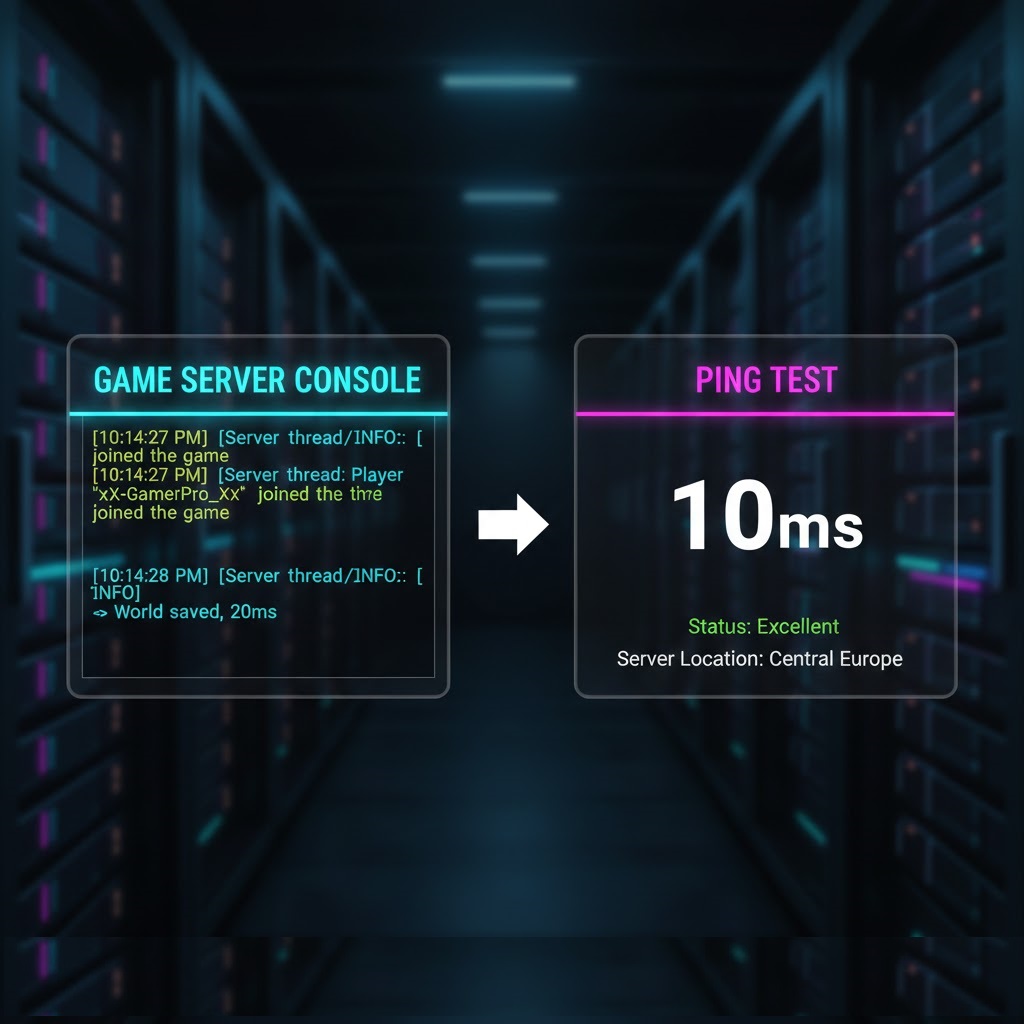
- Enable High-Performance Power Plan: Run
powercfg -duplicatescheme e9a42b02-d5df-448d-aa00-03f14749eb61in PowerShell to unlock Ultimate Performance mode. - Disable Windows Updates during Gameplay: Use the “Pause Updates” feature so background downloads don’t cause lag spikes.
- Use Parsec or Moonlight: Instead of the default RDP client, use Parsec for a high-FPS, low-latency visual stream of your free rdp windows desktop.
Troubleshooting: Common Game Server Issues
If your friends cannot join your Free Game VPS, the issue is almost always firewall-related. Check these steps:
- Port Forwarding: Ensure the game-specific port (e.g., 25565 for Minecraft) is open in both the Windows Firewall AND the Cloud Provider’s “Security List.”
- DDoS Protection: Enable the native anti-DDoS features provided by hosts like Free RDP Server to prevent script-kiddies from crashing your server.
- RAM Overflow: If the server crashes frequently, allocate more “Virtual Memory” (Pagefile) to your Windows instance.
Frequently Asked Questions
Can I host a game server on a Linux VPS?
Yes, and it is often more efficient. However, many users prefer a free rdp windows setup because it allows for a much easier modding and GUI-based management experience.
Is “Always Free” hosting reliable for 24/7 gaming?
Yes, but you must ensure the server has enough RAM. If the RAM usage stays at 100% for too long, the provider may temporarily throttle your CPU.
Conclusion
Launching a Free Game VPS in 2026 is the ultimate way to enjoy multiplayer gaming without the high cost of dedicated hosting. By using enterprise-grade cloud providers and optimizing your Windows environment for speed, you can achieve a “Pro” experience for $0. For more on network optimization, check the Valve Networking Official Guide for game server best practices.