

In 2026, platforms like TikTok, Etsy, and eBay have implemented advanced “Browser Fingerprinting” that can detect if you are using a standard Free RDP Windows server. To manage multiple accounts successfully, you must transition to an Anti-Detect RDP Windows setup. This technical guide explains how to mask your server footprint to appear as a legitimate residential user.
What is an Anti-Detect RDP Windows Server?
An Anti-Detect RDP Windows server is a virtual environment specifically modified to hide datacenter signatures. By changing the MAC address, BIOS serial numbers, and utilizing residential proxy tunneling, you transform a standard free rdp server into a stealth workstation that is invisible to anti-bot algorithms.
Top 5 Tools for RDP Stealth in 2026
| Tool Category | Recommended Software | Function |
|---|---|---|
| Fingerprint Masking | AdsPower / Dolphin{anty} | Masks Canvas/WebGL/WebRTC |
| Hardware Spoofer | TMAC v6 | Changes Virtual MAC Address |
| Proxy Tunneling | Proxifier | Routes RDP traffic through Residential IPs |
| Registry Cleaner | CCleaner (Portable) | Removes unique hardware IDs |
| Timezone Sync | AutoTimeSetter | Matches RDP time to Proxy Location |
Step-by-Step: Converting Free RDP Hosting to Stealth
To begin, secure your base instance from Free RDP Hosting. Once you have logged into your free rdp windows, perform these modifications:
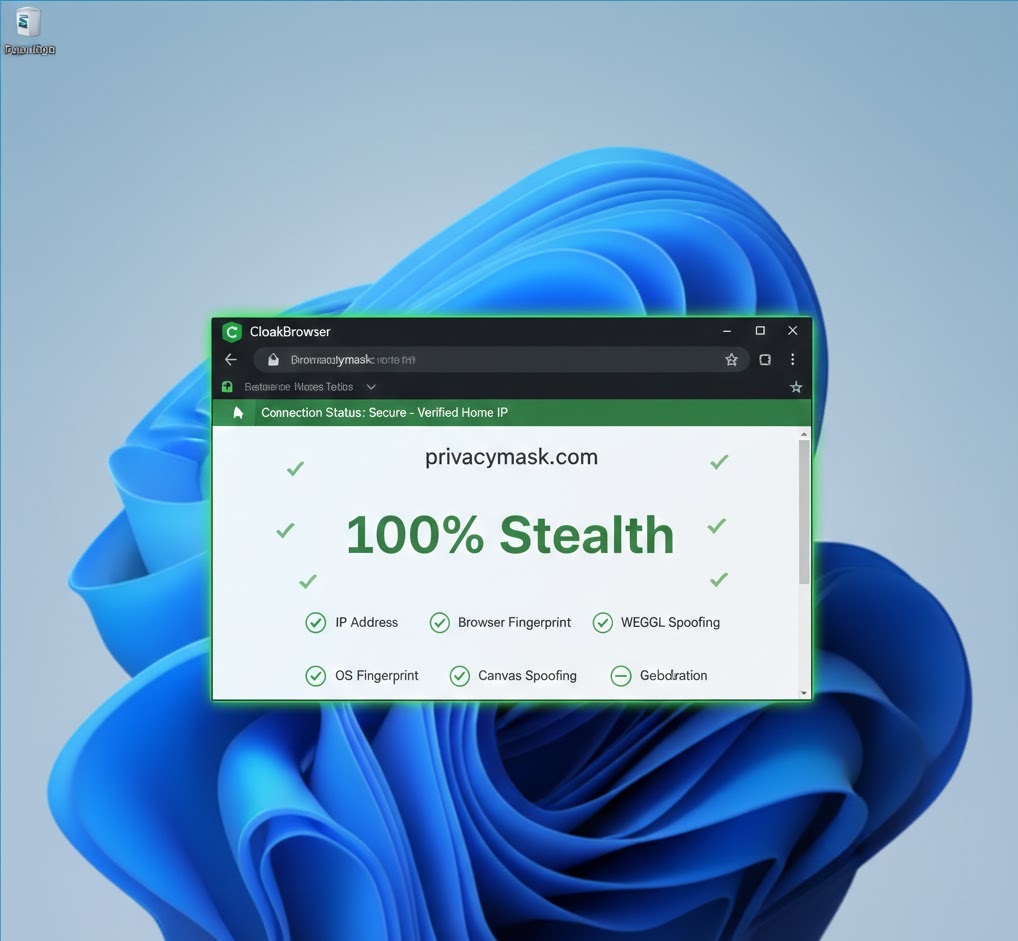
1. Masking the Datacenter IP
Most free rdp server providers use IPs flagged as “Datacenter.” Use Proxifier to route all outbound traffic through a high-quality residential proxy. This makes your RDP appear to be located in a suburban home rather than an OVH or Azure warehouse.
2. Spoofing Hardware IDs
Websites check your BIOS and Disk serials. Use a hardware spoofer on your free rdp windows to generate random strings for your Motherboard and CPU IDs. This prevents “Account Linking” between different servers.
3. Disabling WebRTC Leaks
WebRTC is the #1 way RDP users get banned. It leaks your real server IP even behind a proxy. Disable WebRTC in your browser settings or use an extension to force the proxy IP.
Troubleshooting: Why is my Stealth Score Low?
If platforms still detect your RDP VPS Windows, check these three common leak points:
- DNS Leak: Ensure you are using the Proxy’s DNS, not Google (8.8.8.8) or the provider’s default DNS.
- Font Fingerprinting: RDPs often have limited fonts. Install a “Standard Windows 11” font pack to look like a consumer PC.
- Battery Status: Use a script to “Fake” a battery status. Real laptops have batteries; servers do not. This is a primary check for 2026 anti-bot systems.
FAQ: Anti-Detect RDP Solutions
Can I use a free RDP for dropshipping?
Yes, but only if it is an Anti-Detect RDP Windows. Standard RDPs will lead to instant account suspension on platforms like Amazon or eBay.
What is the best OS for stealth?
Windows 10 Pro or Windows 11 Pro are better than “Windows Server” versions because they look more like a regular home computer to tracking scripts.
Conclusion
Mastering the Anti-Detect RDP Windows setup is the only way to ensure long-term success for multi-account management in 2026. By layering hardware spoofing, residential proxies, and fingerprint masking on top of your Free RDP Server, you create an unshakeable digital identity. For more on browser security, explore the Chromium Project for deep dives into privacy flags.