
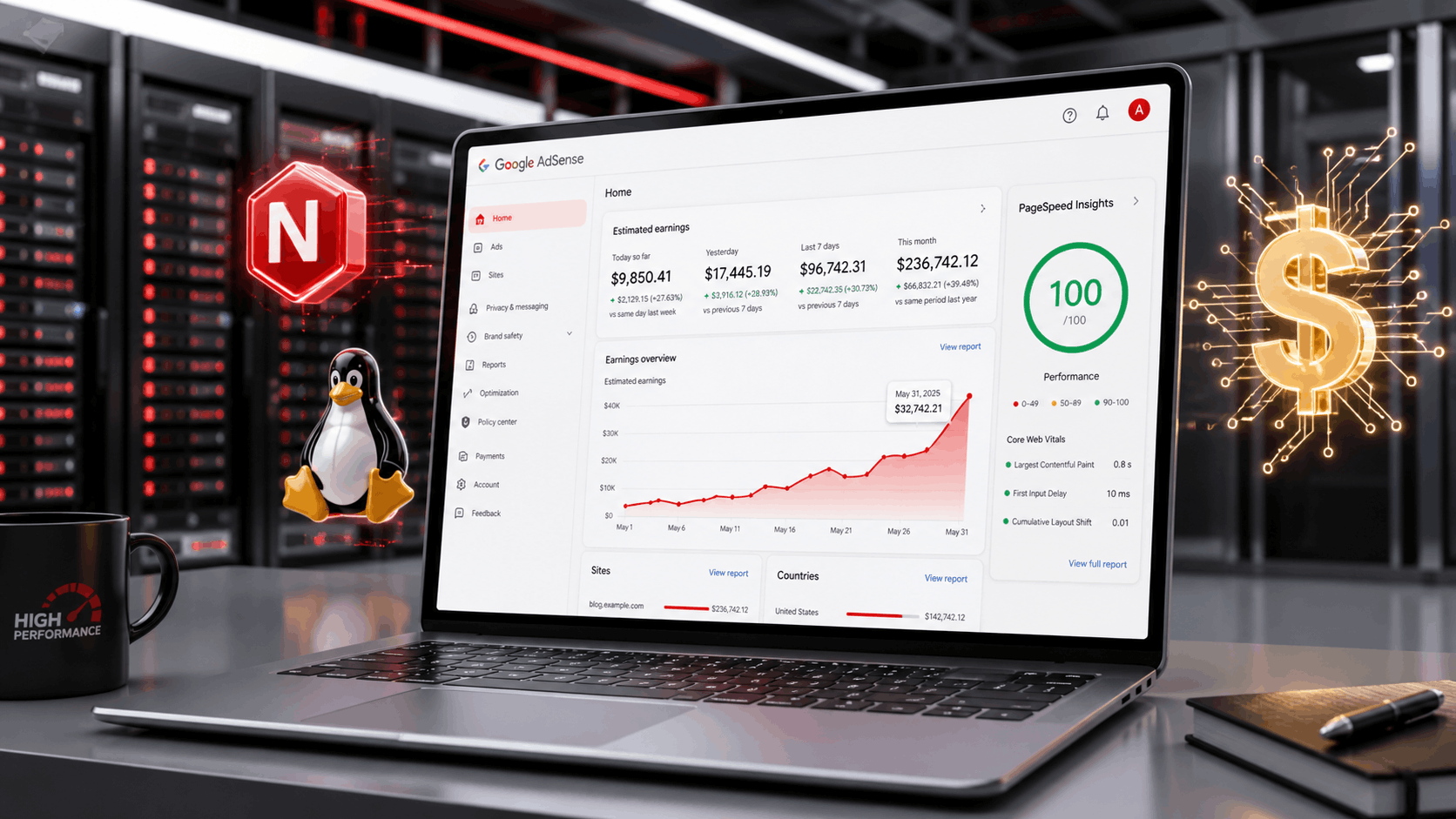
How to Host and Optimize a High-Traffic Blog on a Linux VPS for Maximum AdSense Revenue
A masterclass guide for publishers, developers, and SEO operators who want to Optimize VPS for AdSense Revenue through speed, stability, security, and infrastructure-level control.
Introduction: Shared Hosting Kills AdSense Potential
Most publishers think AdSense revenue is only about content volume, keywords, and ad placement. Those things matter, but they are not the full machine. After 13 years in web development, high-traffic blog operations, and infrastructure-driven SEO, I can say this directly: server-side performance is one of the most underrated revenue levers in publishing.
I do not just write code. I build revenue-generating engines. That means the stack must handle real traffic, search crawler pressure, sudden viral spikes, ad scripts, analytics tags, database queries, cache invalidation, image delivery, and bot filtering without falling apart. The same infrastructure mindset behind premium platforms like GratisVPS applies to any serious AdSense blog: privacy, uptime, performance, and predictable response time are business assets.
Shared hosting is usually where AdSense potential goes to die. You share CPU, memory, disk I/O, PHP workers, and network resources with unknown neighboring sites. When another account on the same machine gets abused, your blog slows down. And traffic spikes, your PHP workers queue. If Googlebot crawls aggressively, your time-to-first-byte suffers. When ads load late, viewability suffers. When the page shifts after ads render, your layout stability drops.
A properly optimized Linux VPS gives you control over the entire performance chain: Nginx, PHP-FPM, MariaDB, Redis, caching, firewall policy, bot filtering, logs, compression, TLS, cron jobs, and monitoring. That control directly affects Core Web Vitals, crawl efficiency, user experience, and monetization. Google describes Core Web Vitals as metrics for real-world loading performance, interactivity, and visual stability, and recommends site owners achieve good scores for Search and user experience. Google’s Core Web Vitals documentation makes clear why performance is not optional for modern SEO.
If your goal is to Optimize VPS for AdSense Revenue, the objective is not simply “make the site fast.” The objective is to build an infrastructure layer that keeps ads viewable, pages stable, crawlers satisfied, users engaged, and invalid traffic under control.
Shared Hosting vs. Optimized VPS for AdSense
| Factor | Shared Hosting | Optimized Linux VPS | AdSense Impact |
|---|---|---|---|
| CPU Control | Shared with unknown sites | Dedicated allocation or predictable vCPU scheduling | More stable page generation during ad-heavy sessions |
| Caching | Limited plugin-level cache | Nginx FastCGI, Redis, object cache, CDN rules | Lower TTFB and better crawl efficiency |
| Bot Filtering | Basic or unavailable | Nginx rules, firewall, logs, custom detection | Protects account health from invalid traffic patterns |
| Scaling | Plan upgrade required | Tune workers, cache, DB, RAM, CDN | Keeps earnings stable during viral spikes |
The LEMP Stack Overhaul: Nginx + FastCGI Cache Beats Bloated Apache Setups
For high-traffic blogs, I prefer a lean LEMP stack: Linux, Nginx, MariaDB, and PHP-FPM. Apache can work, especially with proper tuning, but Nginx gives cleaner control for static delivery, reverse proxying, caching, compression, and high concurrency. When the goal is maximum AdSense revenue, concurrency matters because ad-driven blogs often receive unpredictable traffic from Discover, social shares, search spikes, and news-style referrers.
The key weapon is FastCGI caching. Instead of forcing PHP and MariaDB to generate every page request dynamically, Nginx stores the rendered HTML and serves it directly from cache. This turns many WordPress pages into near-static responses while keeping the CMS flexible. Nginx’s own caching documentation explains cache concepts such as cache keys, stale content, bypass logic, and performance control. NGINX’s caching guide is a useful technical reference for understanding how the layer works.
fastcgi_cache_path /var/cache/nginx levels=1:2 keys_zone=WORDPRESS:100m inactive=60m max_size=5g;

map $request_method $skip_cache {
    default 0;
    POST 1;
}

map $query_string $skip_query_cache {
    default 0;
    "~.+" 1;
}

server {
    location ~ \.php$ {
        fastcgi_cache WORDPRESS;
        fastcgi_cache_valid 200 301 302 30m;
        fastcgi_cache_use_stale error timeout updating http_500 http_503;
        fastcgi_cache_bypass $skip_cache $skip_query_cache;
        fastcgi_no_cache $skip_cache $skip_query_cache;
        add_header X-FastCGI-Cache $upstream_cache_status;
    }
}
That X-FastCGI-Cache header is not decoration. It is how you verify whether your cache is actually working. A serious operator tests headers with curl -I, monitors cache hit ratio, and confirms that logged-in users, carts, admin paths, preview URLs, and comment submissions bypass cache correctly.
| Nginx Cache Setting | Recommended Value | Why It Matters |
|---|---|---|
keys_zone |
64m–256m | Stores cache metadata; increase for large blogs. |
inactive |
30m–120m | Removes pages that stop receiving traffic. |
max_size |
2g–20g | Prevents cache from filling the disk. |
use_stale |
Enabled for error/timeout/updating | Serves cached pages during backend pressure. |
Database & Object Caching: MariaDB and Redis for Viral Traffic
The database is where many AdSense blogs collapse during traffic spikes. WordPress can be efficient, but a theme with heavy queries, poor plugin choices, and no persistent object cache can turn a viral article into a database meltdown. Your goal is sub-second response time even when traffic jumps.
Start with MariaDB tuning. Increase the InnoDB buffer pool so hot data stays in memory. On a dedicated blog VPS, innodb_buffer_pool_size can often be set to 50–70% of available RAM, depending on whether Redis, PHP-FPM, and other services run on the same machine. Keep slow query logging enabled during testing, then analyze the worst offenders.
[mysqld]
innodb_buffer_pool_size = 2G
innodb_log_file_size = 512M
max_connections = 100
slow_query_log = 1
long_query_time = 1
tmp_table_size = 128M
max_heap_table_size = 128M
Redis object caching is the second layer. It reduces repeated database queries by storing frequently requested objects in memory. For WordPress, this can dramatically reduce query volume on category pages, popular articles, navigation menus, options, and plugin-generated data. Redis is not a replacement for page caching; it is a complement. Page cache protects anonymous traffic. Redis protects dynamic backend operations and repeated object lookups.
| Layer | Tool | Primary Benefit | Revenue Impact |
|---|---|---|---|
| HTML Page Cache | Nginx FastCGI | Avoids PHP execution for cached pages | Faster ad-rendering opportunity and lower bounce risk |
| Object Cache | Redis | Reduces repeated database lookups | Stable backend during traffic spikes |
| Query Optimization | MariaDB slow logs | Finds expensive plugins and theme queries | Prevents slow pages from losing impressions |
SEO & Performance Correlation: Core Web Vitals Are Revenue Signals
A fast VPS improves more than user comfort. It improves the technical conditions that support SEO, ad visibility, crawl efficiency, and session depth. Google’s PageSpeed Insights documentation identifies the current Core Web Vitals as LCP, INP, and CLS, with passing assessments based on good 75th percentile field data where enough data exists. Google’s PageSpeed Insights documentation is the official reference for how these metrics are presented and evaluated.
Largest Contentful Paint is heavily affected by server response time, caching, image delivery, and render-blocking resources. If your VPS takes 900 ms to generate HTML before the browser even starts rendering, you are already late. FastCGI cache, optimized images, preload strategy, and clean CSS delivery all support LCP.
Cumulative Layout Shift is often damaged by ads. AdSense slots must reserve space before the ad loads. If the browser inserts an ad after the content has already rendered, the page shifts, users get annoyed, and CLS worsens. Infrastructure cannot fix bad layout strategy by itself, but a faster backend and stable frontend delivery reduce the number of delayed elements competing during load.
Interaction to Next Paint depends on client-side JavaScript, but server choices still matter. Bloated themes, excessive plugins, ad scripts, analytics tags, and poor caching all increase the total performance burden. A serious AdSense blog uses only necessary plugins, defers non-critical scripts, and monitors real user data instead of relying only on lab tests.
🎮 Pro Tip from a Marshal’s Perspective
Server stability is like elite low-latency gaming. Peak FPS does not matter if frame times spike. In hosting, peak benchmark scores do not matter if TTFB spikes during crawls, bot waves, or viral traffic. A revenue blog needs stable response times the same way a competitive player needs stable latency: predictable performance wins.
Protecting the Revenue: Bot Filtering and AdSense Compliance
AdSense revenue is fragile if your traffic quality is poor. Google’s AdSense guidance warns that publishers must not artificially inflate impressions or clicks through automated or manual means, and invalid traffic can create serious account problems. Google’s AdSense invalid traffic policy guidance is required reading for any publisher who depends on display revenue.
This is where server-side protection becomes monetization protection. Bot traffic does not only consume CPU. It can distort analytics, damage ad quality signals, increase bounce rates, create suspicious impression patterns, and trigger policy reviews. A secure server is the foundation of a stable AdSense account, which is why I recommend pairing this guide with the GratisVPS.net security pillar: Top 5 Essential Security Plugins & Tools for Linux VPS (2026 Guide).
Tools like UserCheck, Cloudflare rules, Nginx maps, Fail2Ban filters, and custom log analysis scripts can help identify suspicious traffic. Look for repeated hits from low-quality ASNs, impossible session patterns, aggressive requests to ad-heavy pages, fake Googlebot user agents, repeated no-referrer traffic, and high-frequency pageviews from single IP ranges.
# Example Nginx concept: block obvious fake bots by user agent
map $http_user_agent $bad_bot {
    default 0;
    ~*(curl|python-requests|scrapy|sqlmap|nikto) 1;
}

server {
    if ($bad_bot) {
        return 403;
    }
}
Be careful with aggressive blocking. You do not want to block legitimate Googlebot, AdSense crawlers, or real users behind shared networks. Always verify bots with reverse DNS where appropriate, compare logs against Search Console, and test changes before deploying them globally.
The Pre-Launch VPS Hardening Checklist
✅ Infrastructure Checklist
- Use a clean LEMP stack: Linux, Nginx, MariaDB, PHP-FPM.
- Enable Nginx FastCGI cache and verify with response headers.
- Install Redis object cache for WordPress or dynamic CMS workloads.
- Tune PHP-FPM workers based on RAM, not guesswork.
- Enable TLS, HTTP/2 or HTTP/3 where supported, and Brotli or Gzip compression.
- Configure UFW with default-deny inbound policy.
- Deploy Fail2Ban for SSH, Nginx, and login abuse.
- Use Netdata, Monit, or equivalent monitoring with alerts.
- Reserve layout space for ads to protect CLS.
- Block obvious malicious bots without blocking legitimate crawlers.
⚠️ Revenue Protection Checklist
- Do not test by clicking live ads.
- Monitor unusual traffic sources and referrers.
- Separate real users from bots in analytics where possible.
- Keep ad placements policy-compliant and non-deceptive.
- Review logs after viral spikes, not only after revenue drops.
- Use security tooling to reduce invalid traffic risk.
Final Architecture: Build the Blog Like a Revenue Platform
A high-traffic AdSense blog is not just a WordPress install. It is a revenue platform. The correct architecture starts with a fast Linux VPS, a tuned LEMP stack, Nginx FastCGI cache, Redis object cache, optimized MariaDB, security controls, bot filtering, and continuous monitoring. Then you add clean theme code, reserved ad slots, compressed assets, proper image delivery, and content that actually satisfies search intent.
The publishers who win long term are not the ones chasing one plugin that promises “instant speed.” They are the ones who understand the full pipeline from server response to browser rendering to ad viewability to user engagement. That is how you Optimize VPS for AdSense Revenue: by turning infrastructure into a ranking and monetization advantage.
My 13-year journey in this industry has taught me that serious SEO is technical, operational, and financial at the same time. If the server is slow, rankings suffer. If bots are uncontrolled, AdSense risk increases. So the database collapses during a spike, revenue disappears at the exact moment opportunity arrives. Build the stack properly once, then measure, refine, and scale.
Get the GratisVPS.net Revenue Infrastructure Newsletter
If you want to build faster blogs, safer VPS environments, and higher-performing content platforms, subscribe to the GratisVPS.net newsletter. You will get implementation-level guides on Linux VPS optimization, AdSense infrastructure, WordPress scaling, bot protection, caching, and server-side SEO.